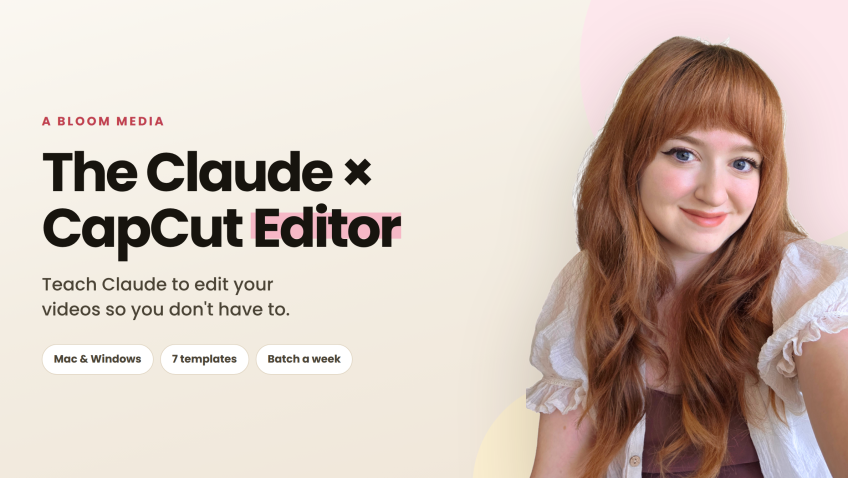
Claude x Capcut Editor
Learn how to use Claude and CapCut to automatically edit your talking videos.
You'll need a Mac or Windows computer and Claude Pro ($20/mo). CapCut's free plan works.
On your phone? Buy now and set it up later on your computer.

Questions
Do I need to pay for Claude or CapCut?
Claude, yes. It runs on Claude Code, which only works on a paid Claude plan. Pro is the one most people get and it's plenty for this. I want to be clear about that before you buy, because on a free Claude account this won't run at all.
CapCut, no. The free plan does everything you need here, and I built the templates out of free CapCut fonts on purpose so nobody gets stuck behind a paywall halfway through.
Will it work on my computer? Please check before you buy
This runs on a computer, not a device. It has to, because it works on the real CapCut project files sitting on your hard drive, and only the desktop version of CapCut has those. You record on your phone, that part doesn't change. You just hand the footage to a laptop or desktop to be edited. If you're not sure which macOS you're on, click the apple in the corner and then About This Mac.
Works on
- A Mac on macOS 13 Ventura or newer. Apple Silicon and Intel both fine.
- A Windows 10 or Windows 11 PC.
- A paid Claude plan. Pro is the one most people get.
- The free CapCut desktop app.
Does not work on
- iPads or Android tablets.
- iPhones or Android phones.
- Chromebooks.
- A free Claude account. It won't run at all.
- An older Mac still on macOS 12 or below.
Is this just a bunch of prompts?
No. You're getting a guided setup for your own editing workflow, which hands your finished video back as a CapCut draft with your captions, hook, graphics and branding already in it. The prompts are one small piece of making that happen, and they're all written out so you never touch that part.
Am I buying software, an app, or a course?
None of those exactly. It's the setup and the tutorials for building your own Claude powered editing workflow on your computer, using CapCut, which you then own and use as many times as you like. There's no monthly fee to me and no app to log into.
Can I change things after it's edited?
Yes, and that's the point. You get a real CapCut draft, not a locked export, so there's no arguing with AI to get a caption right. Every clip, caption, font and graphic is sitting there for you to move, and the draft is yours to keep.
Can it match the way my favourite creator's videos look?
That's one of my favourite parts. Upload a few of their videos and my editor will do its best to match the look on yours. Same for your own branding, load in your fonts and colours and it applies them for you.
Can it do more than one video at a time?
Yes. Record a week of content in one sitting, hand it all over at once, and go do something else. You come back to a week of finished videos.
I've never used Claude before. Is that a problem?
No. The guide starts at opening the account, and every prompt is written out for you to copy and paste. You don't need to know how to write prompts, and you won't need to learn.
How long does it take to set up?
One sitting. The Student Guide takes you through it step by step, and most people have their first edited video done the same day they buy.
Will it work for my niche?
It doesn't care what you talk about. It's editing a person talking to a camera, which looks the same whether you're a coach, a baker or a plumber.
Is this the same thing as The Growth Garden?
No. This is a one time purchase that you keep. The Growth Garden is my ongoing membership with the weekly content reports, the live content review calls and the community. You don't need to be in it to use this.